A product catalog with WhatsApp inquiries on every lamp
Your customer sees the lamp lit, taps the inquiry button and messages you. You know which lamp they mean before you reply.

In short
Lucy gives you a product catalog with WhatsApp inquiries on every lamp. Tapping the button opens a chat with your number and a prewritten message naming the lamp, with a link to its page. The customer just hits send, and you know which lamp they’re asking about before you answer.
What WhatsApp inquiries do for you
You know which lamp it is
The message carries the exact name and a link to the lamp’s page. No guessing from a screenshot, no asking which one.
They’ve already seen it lit
Customers reach out after seeing the lamp by day and at night, with price and dimensions. The conversation starts a step further along.
No forms
No sign-up, no cart. One tap opens WhatsApp on a phone, or WhatsApp Web on a computer, with the message ready.
Link previews with the light on
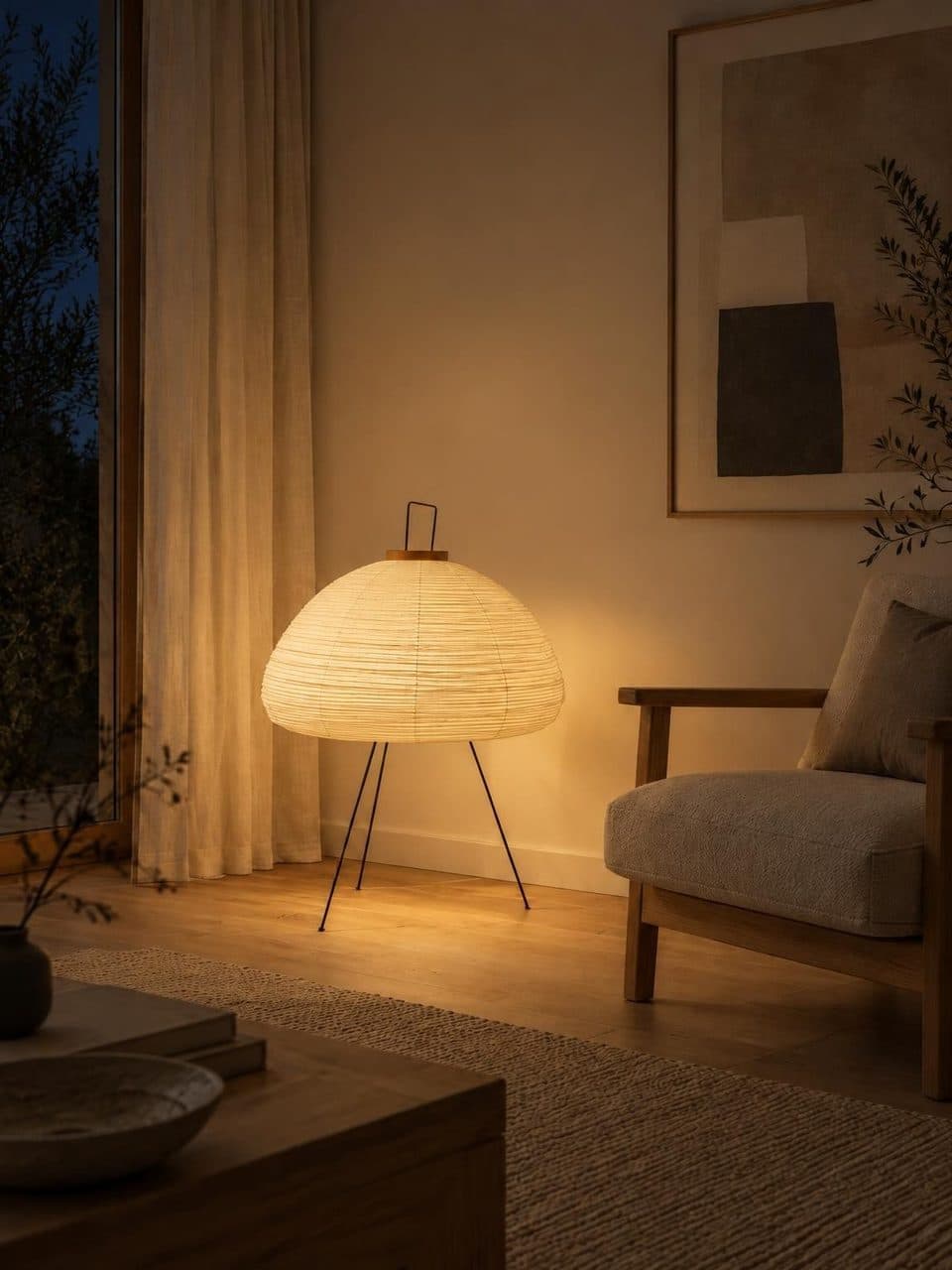
When you share a lamp’s page in a chat, the preview shows the night scene with the light on.
You see which lamps get inquiries
Analytics count every tap on the WhatsApp button, day by day, and how many inquiries each of your most viewed lamps gets.
How WhatsApp inquiries work
- 1
Add your number
In your store settings, fill in the Phone / WhatsApp field with the country code and area code, the way someone abroad would dial it.
- 2
The button appears
Once the number is saved, your store shows a WhatsApp button at the top and every lamp’s page adds its own Ask on WhatsApp button.
- 3
The customer taps it
WhatsApp opens with your number and a message saying they’re interested in that lamp, plus the link to its page.
- 4
You reply as usual
The inquiry lands in the WhatsApp you already use. You close the sale with your own prices, payment methods and delivery.
A product catalog with WhatsApp inquiries and the light on
Selling lamps by sending loose photos over chat has a cost. The customer asks for another photo, asks for the size, wants to know how it looks at night. Every answer is another message and another wait.
With the catalog, customers settle that before they write. They see the lamp in a room, by day and lit, with price and dimensions. When they reach out, the conversation can go straight to availability, delivery or payment.
How to enter your WhatsApp number correctly
The button builds the WhatsApp link from the number in your settings. It strips spaces, dashes, parentheses and the plus sign first, so you can type it in whatever format you’re used to.
What matters is including the full country code and area code, in the international format WhatsApp uses. Then test it from another phone. Open your catalog, tap the inquiry button on a lamp and check that the chat opens with your number.
What the inquiry message says
The prewritten message greets you, says the customer is interested in the lamp, by name, and adds the link to its page below. It comes in the visitor’s language, Spanish or English. Customers can add anything before sending, like the size they need or where they are.
If you’d rather use your own words, write the message in Customize store, placing the lamp’s name and your store’s name wherever you like. The link to the lamp’s page is added at the end.
For anyone who wants to write without picking a lamp, the button at the top and the one in the contact section open the chat with no product in the message. That section also lists your phone number and email, if you’ve added them.
Frequently asked questions
Do I need WhatsApp Business?
No. The button opens a chat with whatever number you enter, on regular WhatsApp or WhatsApp Business. If you already serve customers on Business, use that number and catalog inquiries arrive alongside the rest, with your usual quick replies and labels.
What if I don’t add a number?
The WhatsApp button doesn’t appear. The catalog still shows your lamps, prices and the day and night switch, just without direct inquiries. That’s why it’s worth adding your number as soon as your store is ready.
Can customers buy through WhatsApp from the catalog?
The catalog doesn’t process payments. The sale happens in the conversation, the way you already work, with your own payment methods and delivery terms. Lucy brings the customer to the chat with the chosen lamp and a link to its page.
Can I send one specific lamp over WhatsApp?
Yes. Every lamp page has a share button. It opens the device’s share menu, or copies the link when the browser doesn’t offer one. Paste it into a chat and the preview shows the lamp lit at night.
Can I use more than one number?
No. Each store has a single contact number, and every catalog inquiry goes to it. If several people handle sales, use the business number you all share. The same number appears in your store’s contact section.
Keep reading
- GuidesSelling lamps on WhatsAppLinks instead of loose photos, quick replies and one link per product to keep inquiries in order.
- FeaturesStore QR codeA QR code with your logo that opens your catalog. Download it to print for the window, the counter or a bag.
- Who it’s forHome decor storesYour lamps in a room that matches your store, by day and lit at night.
Your catalog, by day and lit at night
We migrate your catalog, stage every lamp, and you edit prices whenever you want.