Catalog migration to Lucy, done for you
You don’t load lamps one by one. Send us what you already have and the Lucy team builds your showroom.

In short
Catalog migration to Lucy is handled by the Lucy team at no extra cost. You send the photo, name and price of each lamp, and we load the products and create their day and night scenes. After that, you edit prices, names and descriptions yourself from your dashboard.
What to send us for the migration
One photo per lamp
The product photo you already use, with the whole lamp in frame, sharp and well lit. It’s the base for the day and night scenes.
Name and price
The name you sell each lamp under and its price, in Argentine pesos or US dollars. A lamp without a published price can stay unpriced.
Type and dimensions
Whether it’s a table, floor, ceiling or wall lamp, plus its height, width and depth in centimeters. Dimensions show on the lamp’s page.
Description, if you have one
Materials, finishes, the bulb it takes. It appears on each lamp’s page, and the catalog search looks through it too.
How the catalog migration works
- 1
Share your catalog
Send us your current catalog, as you have it today. You don’t have to enter anything into the system.
- 2
Pick a room style
Choose one of the five decor styles for your scenes, the one that best fits your store and your customers.
- 3
We load and stage
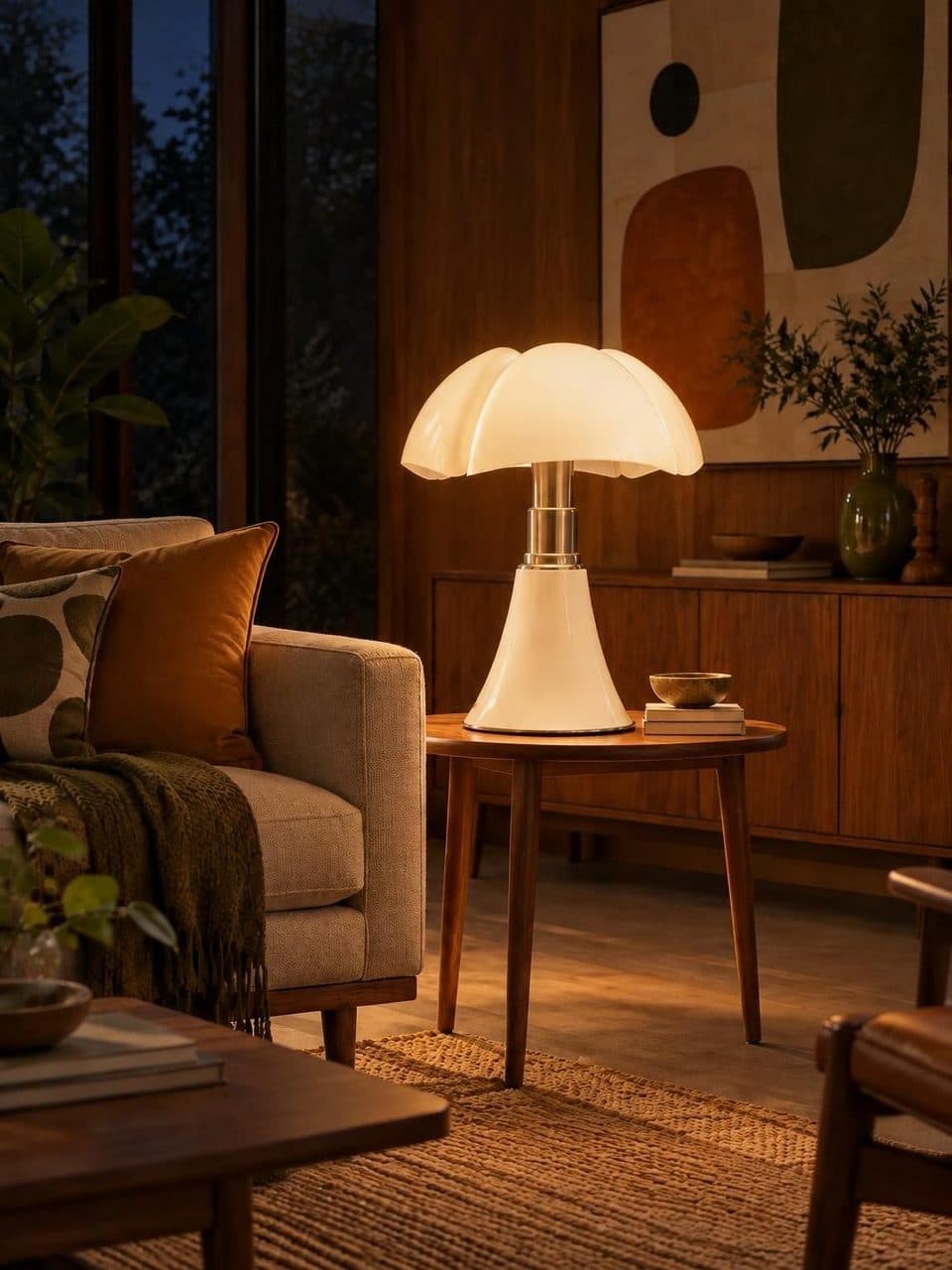
The Lucy team loads each product with its details and creates its two scenes, by day with the lamp off and at night with it on.
- 4
Review and take over
Log in to your dashboard, review your lamps, and edit names, descriptions, prices and dimensions whenever you like.
What catalog migration includes
Migration is part of the US$20 monthly plan and isn’t billed separately. It covers loading each lamp with its details and creating its scenes, which is the part a store can’t do on its own. Your store doesn’t generate images, so there are no credits and no per-photo fees.
When it’s done, your catalog is live at your store’s address, with search, a page for each product and the day and night switch.
What you edit after the migration
From your dashboard, open any lamp to change its name, description, type, price, currency and dimensions. Images can’t be edited from the dashboard, because the Lucy team creates the scenes.
For across-the-board increases, the percentage adjustment updates every price at once. If a lamp is discontinued, delete it from the dashboard and it leaves the catalog.
How to prepare your photos before migrating
Scene quality depends on the starting photo. Before you share your catalog, check that every lamp has a photo where it’s fully visible.
- The whole lamp in frame, with no cropped shade, arm or base.
- A clean background and even light, without harsh reflections on metal or glass.
- True-to-life colors and materials.
- One photo per color if a model comes in several, since each color is loaded as a separate product.
Frequently asked questions
How much does catalog migration cost?
Nothing extra. Migration is included in the single US$20 monthly plan, along with the day and night scenes, the public catalog, the QR code and every other feature. There are no per-product or per-image fees.
How long does the migration take?
It depends on how many lamps you have and the state of your photos. A small catalog with clean photos moves faster than a large one with uneven images. We work out the timing with you once we see your catalog.
Can I add lamps after the migration?
Yes. New lamps follow the same path as the migration. You send the photo and details, the team creates the scenes, and the product appears in your catalog. Then you edit its price and description from your dashboard like any other.
Can I have prices in pesos and in dollars?
Yes. Each lamp stores its own currency, Argentine pesos or US dollars, so both can live in the same catalog. Prices are shown rounded, without cents, with the matching currency symbol.
Do I need new photos?
Usually not. The product photo you already use is enough, as long as the lamp is sharp and fully visible. You don’t need lit or styled shots, because the Lucy team creates those scenes from your photo.
Keep reading
- GuidesHow to photograph lampsBackground, light, angles and the glare of a lit lamp, solved step by step.
- FeaturesPrice adjustmentOne percentage and one click to raise prices across your whole lamp catalog at once.
- Who it’s forLighting distributorsThe decorative side of your catalog, staged, searchable and with prices you raise in one step.
Your catalog, by day and lit at night
We migrate your catalog, stage every lamp, and you edit prices whenever you want.