An online lamp catalog at your store’s own address
Your lighting store gets its own public page, with every lamp, your contact details and the day and night switch.

In short
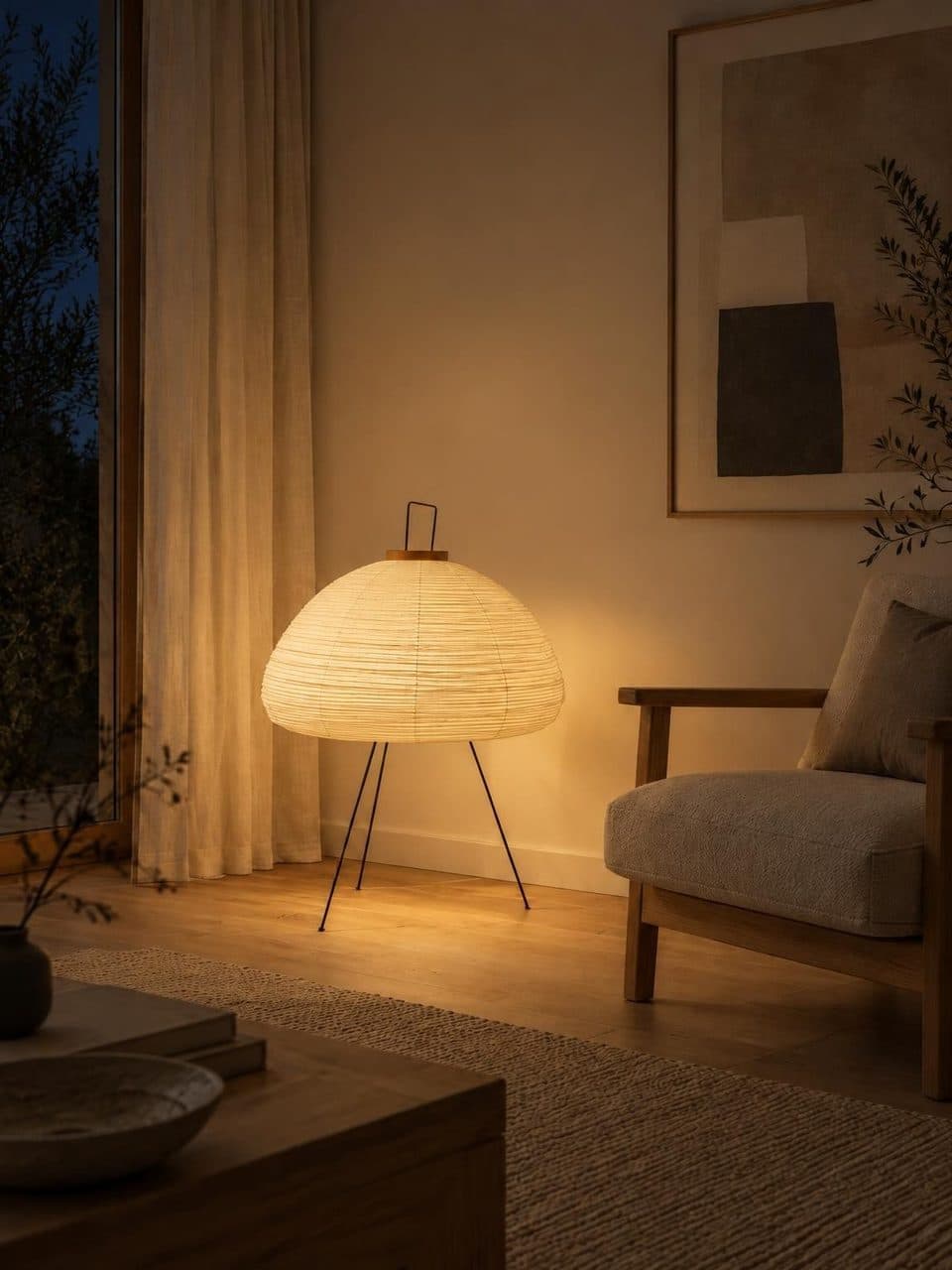
Lucy’s online lamp catalog is a public page at your store’s own address, like lucy.lighting/store/your-store, in the colors you choose. It shows your lamps with search, type filters, prices and a page for each product with dimensions and a WhatsApp button. Every lamp can be seen by day and lit at night.
What your catalog includes
Your own address
Your catalog lives at lucy.lighting/store/ followed by your store’s name. The address is set when you create your account and never changes, so your links and QR code keep working.
In your store’s style
Pick the accent color, the background, the typeface, the photo shape and how many lamps sit in each row. Every lamp shows its photo, name, type, dimensions and price.
Search and filters
Search finds lamps by name, description or lamp type, ignoring accents, and shows how many match. Filters split them into table, floor, ceiling and wall lamps.
A page for every lamp
Each product has its own page with a large photo, price, description, type, dimensions, a WhatsApp button and a share button.
Your brand and details
Your logo and a cover with your own headline and text sit at the top. Further down come a section about your store and a contact section with address, hours, phone, email and social links.
How your online catalog comes together
- 1
Send us your catalog
Photos, names and prices of your lamps. The Lucy team loads each product and creates its day and night scenes.
- 2
Complete your store
In your settings, upload your logo and add your description, contact details, social links, address and hours. In Customize store, pick colors, type and text.
- 3
Share the address
Put the link in your social bios, your email signature and your WhatsApp replies, and the QR code in the store.
- 4
Keep it current
Edit each lamp’s name, description, price, currency and dimensions from your dashboard, or raise every price at once by a percentage.
What customers see in your online lamp catalog
First comes your brand, with your logo, your store name and a cover that can show your featured lamps. Below it is the catalog, with the search bar, the lamp count, the type filters and a sort menu. Featured lamps, the ones you pin from your dashboard, come first and the newest follow, unless you pick another order.
The day and night switch floats at the bottom of the screen, within thumb’s reach on phones. Tapping a lamp opens its page, with the large photo and all its details. Labels and buttons follow the visitor’s browser language, Spanish or English.
Prices in pesos or dollars
Each lamp can be priced in Argentine pesos or US dollars, and both currencies can live in the same catalog. Prices are shown rounded, without cents.
If a lamp has no price, it still appears, its page reads Price on request, and customers can ask you on WhatsApp. That works for made-to-order pieces or prices you’d rather give in person. If you’d rather show no prices at all, you can hide them across the store.
No cart and no online checkout
Lucy is a showroom. The catalog has no cart and takes no payments. Customers browse, compare by day and at night, and message you on WhatsApp or by email to close the sale, with your own payment and delivery terms.
A lighting catalog built to be found on Google
Your catalog page and every lamp page are published with a title, a description, a share image and structured data for search engines. While your subscription is active, they’re listed in the sitemap search engines read.
Frequently asked questions
Can I use my own domain?
Not at the moment. The catalog is published at lucy.lighting/store/ followed by your store’s name and doesn’t connect to a custom domain. You can link to it from your website and social profiles, and add your site in your settings so it shows in the contact section.
Is there a limit on how many lamps I can list?
No. The US$20 monthly plan includes unlimited products, with no credits and no per-image fees. Every finished lamp, with its day and night scenes, appears in your public catalog, and you pick which ones to feature.
Can customers buy straight from the catalog?
There’s no cart or online payment. The catalog is built for showing lamps and getting inquiries. Each lamp has a WhatsApp button that sends the product name and link, and the contact section shows your email and phone if you’ve added them.
What happens to my catalog if I cancel?
You keep access until the end of the paid period. After that, your store’s address shows a notice that the catalog isn’t available, and the page drops out of the sitemap and is marked so search engines stop showing it.
Does the catalog work well on phones?
Yes. It adapts to the screen, the day and night switch sits at the bottom center, and each lamp page stacks the photo above the details. That’s what people see when they arrive from your QR code or a WhatsApp link.
Keep reading
- GuidesOnline lighting catalogWhat each product page needs, how to organize the catalog and how to keep prices current.
- FeaturesStore QR codeA QR code with your logo that opens your catalog. Download it to print for the window, the counter or a bag.
- Who it’s forLighting storesYour catalog with every lamp in a room by day and lit at night, ready to share.
Your catalog, by day and lit at night
We migrate your catalog, stage every lamp, and you edit prices whenever you want.